Solo-first custody logging
Create journal entries, communication logs, exchange records, school notes, expenses, and supporting attachments under one custody case.
Free to start · First entry takes under 2 minutes · No credit card
When it's your word against theirs, the parent with the dated, organized record wins the credibility fight. Start yours tonight — for your kids, no lawyer required to begin, no waiting on your ex.
Start documenting before the next incident becomes another thing you remember clearly but cannot prove cleanly.
At a glance
Start with one factual record, then keep the supporting details in the same custody case as they happen.
Create journal entries, communication logs, exchange records, school notes, expenses, and supporting attachments under one custody case.
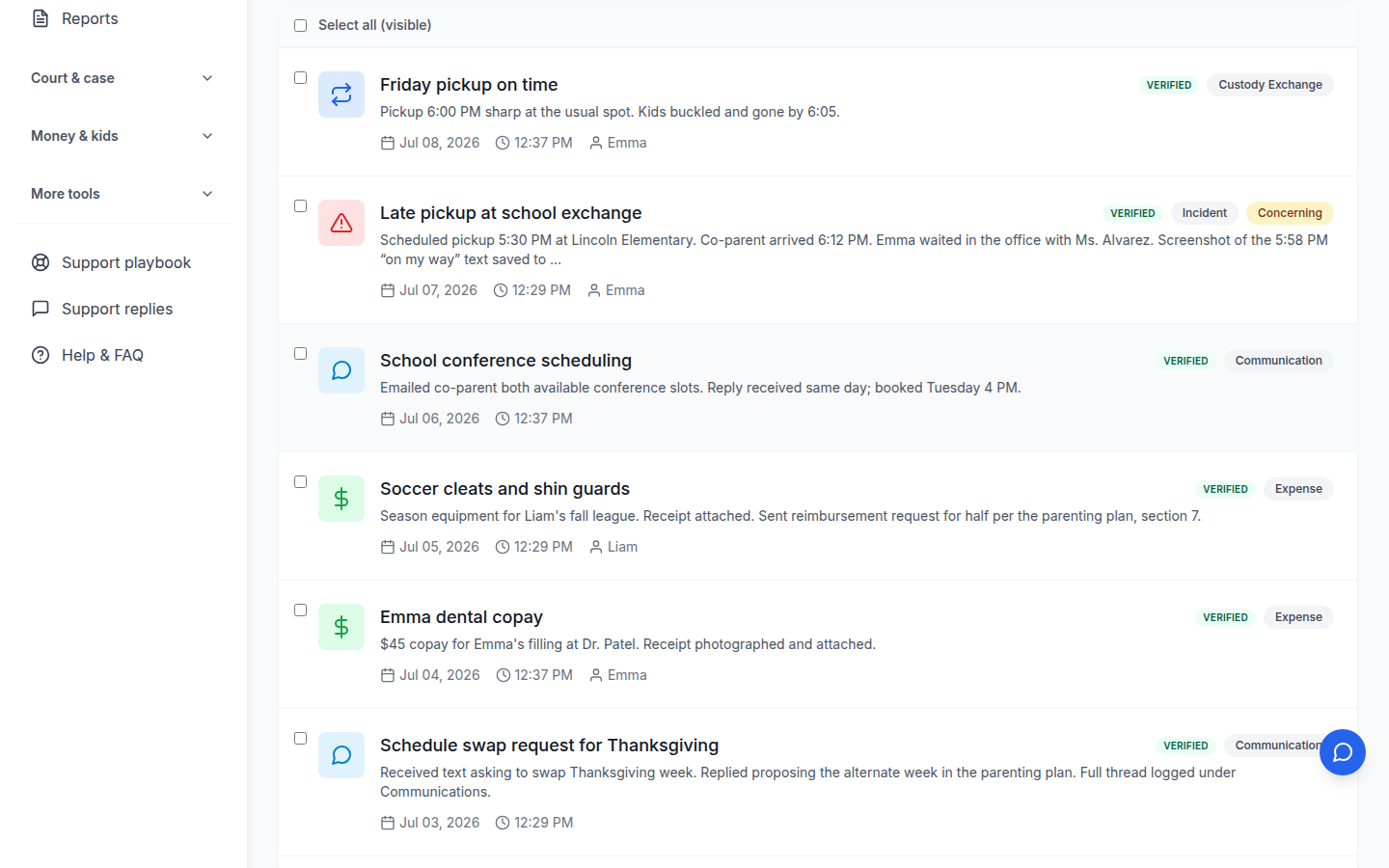
Review entries, exchange logs, school summaries, photos, attorney summaries, and report-style outputs organized by date.
Keep factual logs, evidence tags, document storage, exchange compliance tracking, chronological summaries, and attorney-facing review tools together.
Why it works
A lot of custody apps make you wait for cooperation you may never get. Custody Journal lets you start documenting what happened right now, under one case, even if the other parent never touches the app.
You can log incidents, exchanges, communication notes, school issues, expenses, and attachments yourself so the record starts with facts instead of delays.
Product proof
One parent can already create journal entries, communication logs, exchange records, school communication entries, expenses, and supporting attachments under a single custody case.
Screenshots in your camera roll are not a system, and random notes stop helping the second somebody asks what happened first. Custody Journal pulls the record into one chronological view so patterns are easier to review before a hearing, meeting, or exchange.
That gives you one place to look instead of bouncing between texts, photos, school emails, and loose notes.
Product proof
The current product supports chronological entry lists, exchange logs, school summaries, photo timeline views, attorney summaries, and report-style outputs organized by date.
Some family apps sell harmony first. That sounds nice until you are the one trying to keep facts straight, document missed handoffs, store evidence, and explain the pattern without guessing.
Custody Journal is built around factual logging, evidence tags, document storage, exchange compliance tracking, chronological summaries, and attorney-facing review tools. It is serious record-keeping for fathers who do not trust chaos to tell the story for them.
Product proof
The live product mechanics include factual logging, evidence tags, document storage, exchange compliance tracking, chronological summaries, and attorney-facing review tools.
Founder story
Custody Journal grew out of Derek's own custody fight and the hard lesson that knowing what happened is not the same as having a record a court can follow.
Stress makes memory worse. Screenshots get scattered. Notes stay half-finished. By the time someone asks for the timeline, the story is already harder to reconstruct.
The product motive
One place
Log violations, exchanges, communication, expenses, files, and supporting details under the same case.
Cleaner exports
Turn dated records into PDFs and summaries that are easier to review than scattered screenshots.
Features
Keep incidents, exchanges, communication notes, school issues, expenses, photos, documents, and summaries organized by date.
Log what happened right now, under one case, even if the other parent never touches the app.
Keep incidents, exchanges, school records, expenses, photos, documents, and summaries organized by date.
Use tags, attachments, document storage, and summaries so the record is easier to review later.
Turn dated records into cleaner outputs for review before a hearing, meeting, or attorney conversation.
Upload photos, screenshots, school records, medical documents, and other supporting files.
Track planned exchanges, what actually happened, and the details that matter when patterns appear.
Save communication notes alongside incidents, school issues, expenses, and attachments.
Documentation scenarios
Examples of records fathers keep when exchanges, communication, expenses, and parenting time need a clear history.
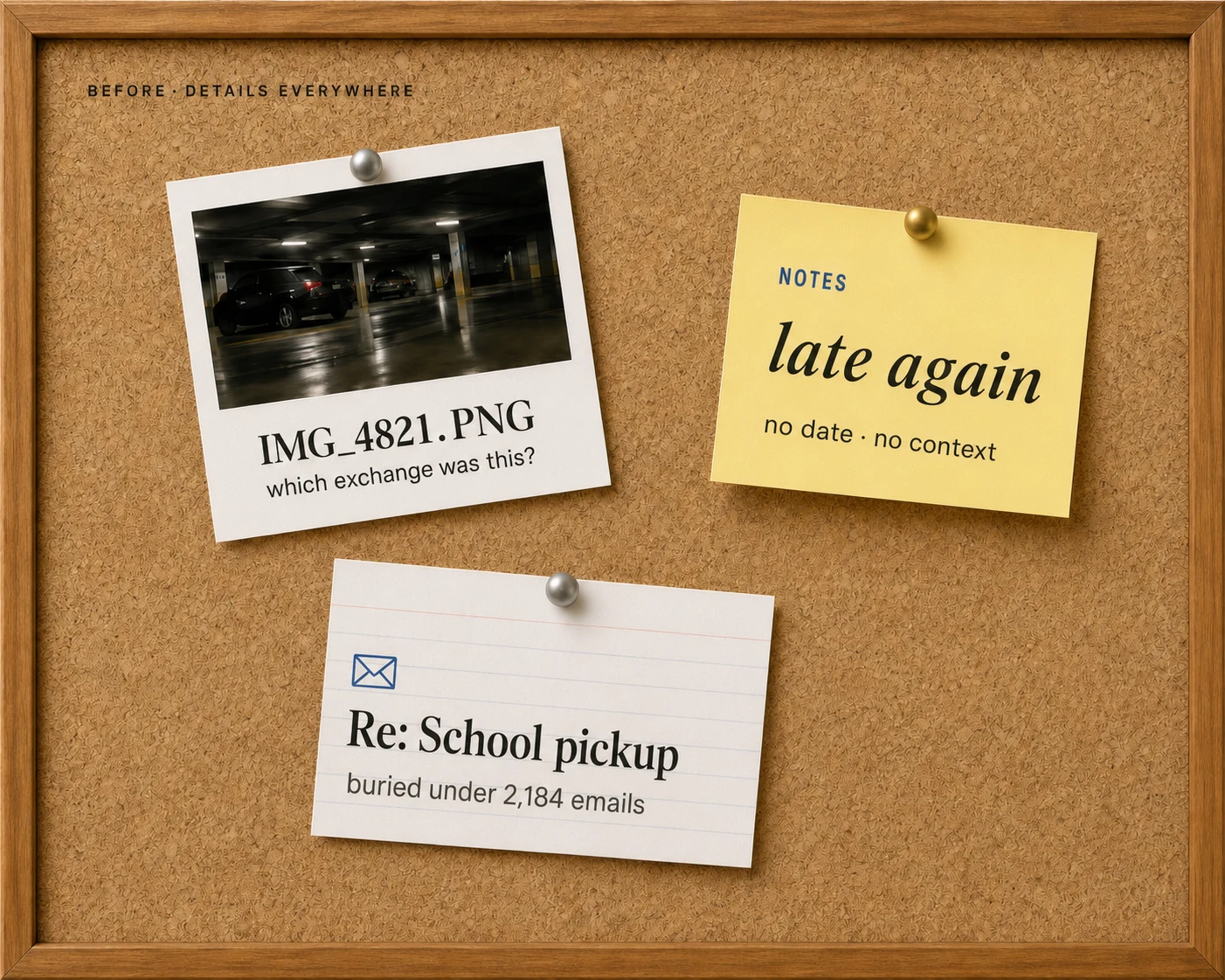
The missed pickup.
She's 40 minutes late again. Log it in 30 seconds from your phone: scheduled time, actual time, screenshot of the “on my way” text. Six of these in your timeline is a pattern a judge can see.
Six screenshots in a camera roll is nothing.
The school email.
The teacher says your son melted down again the Monday after an exchange. Save the email to the case, tie it to the date, add one factual note. Months later the pattern reads itself.
Reconstructing this from memory is impossible.
The receipt fight.
Cleats, copays, school lunches — you paid, they “don't remember.” Every expense logged with its receipt attached, exportable as one clean PDF when reimbursement gets contested.
One organized record beats a shoebox of receipts.
Pricing
Your documentation starts the moment you sign up — no credit card required.
Free
$0
Paid plans
Documented, Protected, Advocate$12/mo
From $12/mo or $99/yr — everything in Free, plus:
Every paid plan comes with a 30-day money-back guarantee — if it doesn't make your case easier to organize, email us for a full refund. Compare that to one hour of attorney time at $250+.
FAQ
Quick answers to the questions most parents ask before they trust us with their records.
Start with one real event, not your whole custody case. Open the journal, choose the entry that fits what happened, and use the built-in prompts or templates to write down the facts while they are still fresh. If you have proof like a screenshot, receipt, photo, or other file, attach it right there so the entry and the supporting material stay together.
If you are feeling overwhelmed, keep it simple: what happened, when it happened, who was involved, and why it matters. That is enough to get moving. The goal is not to write some dramatic essay. The goal is to create a clean record you can build on instead of trying to reconstruct everything later from memory.
Start now
Log an exchange, save a school email, upload a photo, or write a quick factual note so the timeline starts working for you.
Sign in with Google or an email link. Your data stays yours.